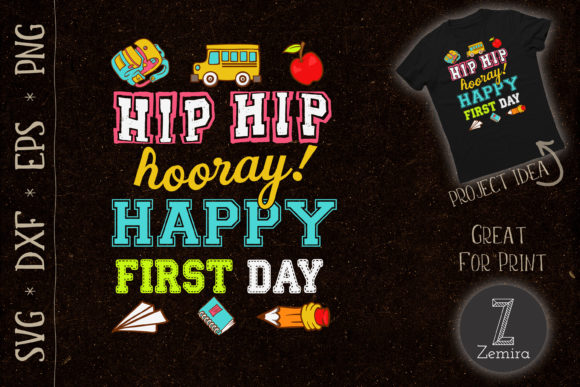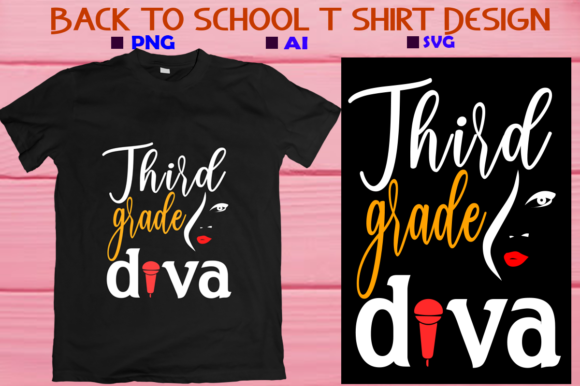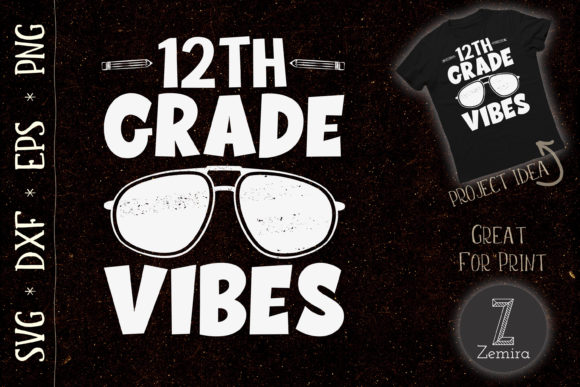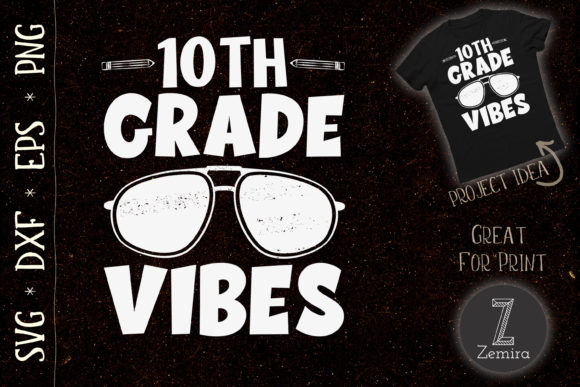
Go Back to School and Bring Back Your Creativity
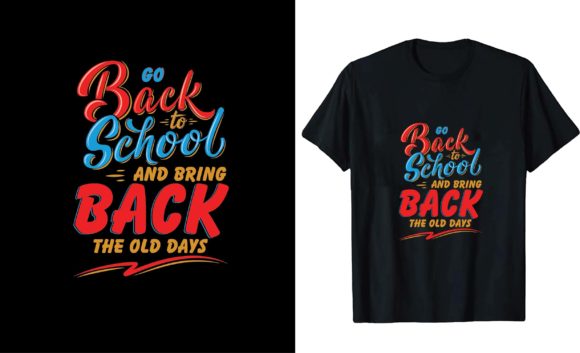
There is something about the start of a school year that sparks a need for fresh beginnings. Whether you are a teacher setting up a classroom, a parent helping a child prepare, or a small business owner looking for seasonal design assets, the Go Back to School and Bring Back collection offers a flexible set of print-ready files designed to make your projects easier. Combined with the This Is My New Teacher Day Design set, you get a bundle that works for classroom decor, apparel, gifts, and promotional materials.
These are not ordinary clip art images. Each file is a high-resolution vector graphic that you can resize, recolor, and edit to match your exact needs. The package includes EPS, SVG, JPG, and transparent PNG formats, so you can use them in everything from a simple card to a full-size poster or a shirt transfer.
What Exactly Are These Digital Design Files?
Think of these files as ready-to-use templates for any project where you need a clean, professional school-themed graphic. The Go Back to School and Bring Back design works well as a standalone message, while the This Is My New Teacher Day Design is perfect for honoring educators. Together, they cover two common needs: welcoming students and celebrating teachers.
The file package gives you four formats:
- EPS file – fully editable in vector software like Adobe Illustrator or Affinity Designer. You can change colors, remove elements, or add your own text.
- SVG file – ideal for cutting machines like Cricut or Silhouette. Upload it directly to your design software and cut vinyl, cardstock, or iron-on material.
- JPG file – a standard image for quick previews, social media posts, or low-resolution mockups.
- Transparent PNG file – 300 DPI, 4500×5400 pixels, perfect for printing on shirts, mugs, totes, or paper. The transparent background means no white box around your design.
All files come in high resolution, so you never have to worry about pixelation, even when printing large formats like posters or banners.
Why Someone Might Want These Files
If you have ever tried to create a custom design from scratch, you know how time-consuming it can be. Choosing fonts, arranging elements, and ensuring proper resolution takes skill and patience. These files remove that barrier. You get a professionally designed layout that you can use immediately.
Here are a few situations where these files become especially useful:
- A teacher wants to make welcome signs for the classroom door or bulletin board. Instead of hand-drawing letters, you print the design on a poster or cut it from vinyl.
- A parent wants to create a back-to-school shirt for their child. The transparent PNG works with any transfer paper or heat press, and the SVG file can be cut from iron-on vinyl.
- A small business owner runs a print shop and needs designs that work across different media. Having vector files means you can output the same design on a sticker, a hoodie, and a coffee mug without redoing the artwork.
- A hobbyist scrapbooker wants to add a school-themed element to a page. The PNG file drops into any layout with no extra work.
The value lies in flexibility. You are not locked into one use case. One file can serve a dozen different projects.
Practical Use Cases for Beginners and Professionals
Let me walk through a few realistic scenarios to show how these files work in practice.
Scenario 1: Vinyl decals for classroom supplies.
A teacher downloads the SVG file, opens it in Cricut Design Space, and cuts the design from adhesive vinyl. She places the decal on a laptop, a water bottle, and a storage bin. Each item now looks coordinated, and the whole process takes under an hour.
Scenario 2: Custom T-shirts for Teacher Appreciation Day.
A parent organizing a class gift wants to print shirts for the staff. Using the transparent PNG at 300 DPI, the parent sends the file to a local print shop. The shop prints directly onto fabric. The result is a crisp, professional design. Because the file is large enough, it works on adult sizes and youth sizes without distortion.
Scenario 3: Printable cards and invitations.
A freelancer designs back-to-school celebration invites for a client. She places the EPS file into Illustrator, changes the colors to match the client’s brand, and exports a print-ready PDF. The editable nature of the EPS file means she can adjust the composition in seconds.
Scenario 4: Engraving on wooden items.
A craftsperson uses the SVG file with a laser engraver. The design is engraved onto wooden keychains, plaques, or coasters. The clean vector lines ensure the engraving comes out sharp and readable.
These are not hypothetical uses. They are common projects for people who own cutting machines, heat presses, or laser engravers. The files are designed to handle each of these workflows.
What Makes These Files Valuable
Several characteristics make this particular set stand out from generic clip art or free downloads you might find online.
- Editable vector format. The EPS file lets you modify every element. If you want to change the font color, remove a decorative line, or add a custom message, you can do that without losing quality.
- Transparent background. The PNG file has no background color. This means you can layer it over any other image or color without ugly white edges.
- Print-ready resolution. At 4500×5400 pixels and 300 DPI, these files meet commercial printing standards. You can use them for large posters, banners, or fabric printing without issue.
- Multiple formats in one download. You do not have to convert files or hunt for the right format. Everything is provided, so you can move from digital design to physical product quickly.
This combination of editability, resolution, and format variety is rare in free or low-cost design assets. For someone who needs a reliable school-themed graphic, these files save hours of work.
Important Things to Consider Before Downloading
While these files are versatile, there are a few practical points to keep in mind before you start a project.
No physical product will be shipped.
This is a digital download only. You receive the files instantly after purchase, but you will not receive a printed shirt, mug, or mockup. If you need to see how the design looks on a product, you will need to create your own mockup or print a test sample.
Mockups are not included.
Some design bundles include product mockups to help you visualize the final result. This package does not include them. If you sell printed products, you may want to purchase separate mockup templates or take photos of your finished items.
Know your software.
SVG and EPS files require compatible programs. For SVG, Cricut Design Space, Silhouette Studio, or Inkscape are common choices. For EPS, Adobe Illustrator, Affinity Designer, or CorelDRAW work well. If you do not have vector editing software, the JPG and PNG files still work for basic printing and social media use.
Check your machine specifications.
If you plan to use the SVG file with a cutting machine, make sure your device supports the file size and complexity. Some older machines may need simplified files for intricate cuts. Test on a small piece of material first.
Consider your printer settings.
For the PNG file, set your printer to 300 DPI and choose a high-quality paper or transfer material. The design will look best when printed at its native resolution or reduced. Avoid enlarging it beyond the original 4500×5400 pixel size to prevent blurring.
Who Benefits Most from This Design Set
These files are useful across a wide audience, but certain groups will find them especially helpful.
- Teachers and educators who want to personalize their classroom materials without spending hours on graphic design.
- Small business owners who sell custom apparel, gifts, or party supplies and need seasonal designs that print well on different products.
- Freelance designers who need base assets to incorporate into client projects. The editable EPS file allows customization without starting from scratch.
- Hobbyists and crafters with cutting machines or heat presses looking for school-theme designs that are easy to use.
- Parents and volunteers organizing school events or teacher appreciation activities. The files help create coordinated materials for gifts, signs, and decorations.
The design appeals to both beginners and experienced users because it offers simplicity for quick projects and depth for more complex edits.
How to Add These Files to Your Creations
If you are new to using SVG or EPS files, the process may feel unfamiliar. Here is a straightforward walkthrough for two common workflows.
For a cutting machine (Cricut or Silhouette):
- Download the SVG file from your purchase confirmation or account dashboard.
- Open your cutting machine software and upload the SVG file.
- Resize the design to fit your project. Keep the proportions locked to avoid distortion.
- Select the material type (vinyl, iron-on, cardstock) and adjust cut settings as needed.
- Load the material onto the mat, send the cut, and weed the excess material.
- Apply the design using transfer tape or a heat press.
For printing on apparel or paper:
- Open the transparent PNG file in any image editor or word processor.
- Insert the design into your project layout. The transparent background will show whatever color or image is underneath.
- Resize as needed. Because the file is 300 DPI, you can print up to 15×18 inches at full quality.
- Use a home printer with iron-on paper, or send the file to a professional printer.
- Follow the transfer paper instructions for heat application.
Both processes are simple once you try them the first time. The high resolution and clean vector lines mean your finished product will look professional.
A Few Final Thoughts on Back-to-School Design Assets
The Go Back to School and Bring Back and This Is My New Teacher Day Design files are practical tools for anyone who creates physical products or digital graphics during the school season. They remove the hardest part of the design process—the initial layout and vector work—and leave you with a clean, adaptable asset that fits many formats.
Whether you are preparing a classroom, starting a small print-on-demand shop, or making a handmade gift for a teacher, these files deliver consistent results. The combination of EPS, SVG, JPG, and PNG formats ensures you have the right file for every application. And because the design is print-ready at 300 DPI, you can trust that the output will be sharp, whether on paper, fabric, vinyl, or wood.
Take advantage of the editability if you have vector software, or use the PNG file directly if you want a no-fuss solution. Either way, these files add value to your creative toolkit and make your back-to-school projects a little easier.